|
STEP 1
|
(Enlarge)
|
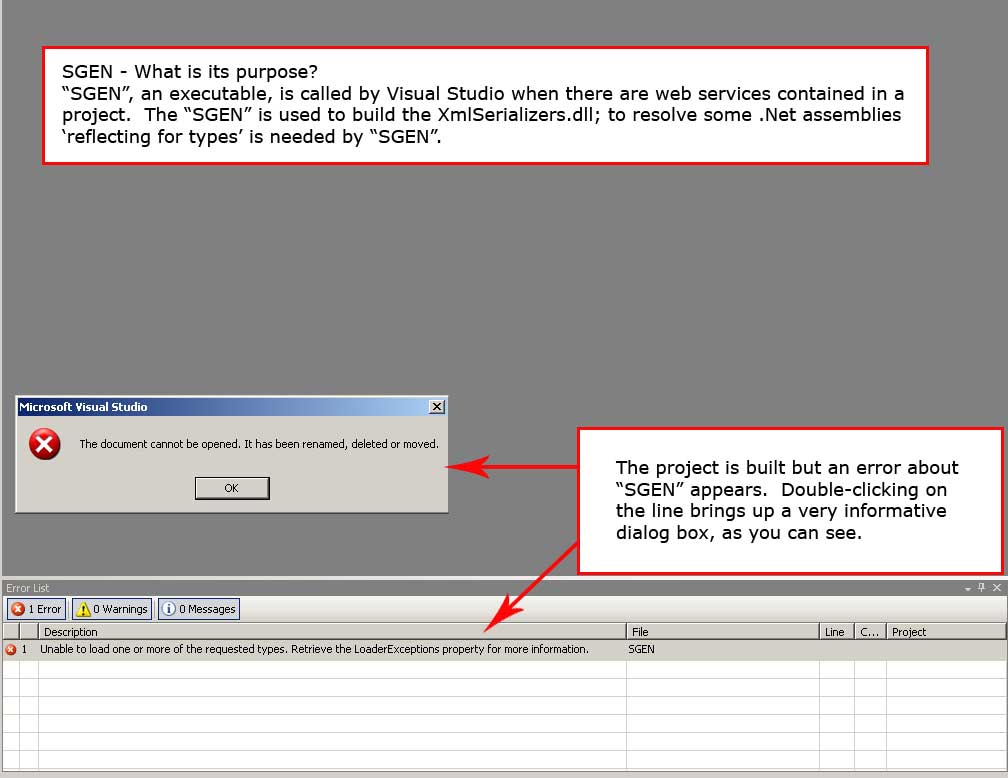
- You experience the SGEN error when you try to build the project containing web services. The specific error involves "SGEN" as "Unable to load one or more of the requested types. Retrieve the LoaderExceptions property for more information."
|
|
STEP 2
|
(Enlarge)
|
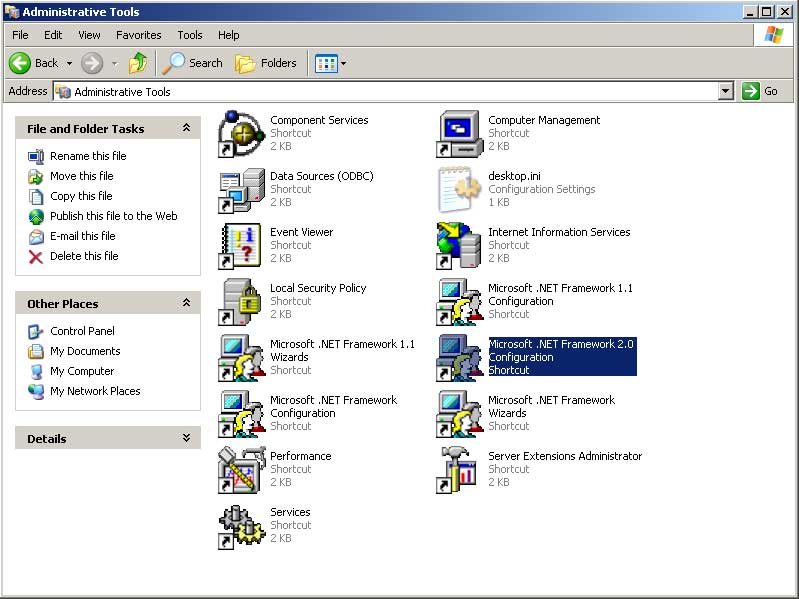
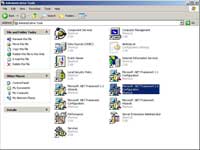
- With local administrator rights on the local computer, open control panel.
- Open the Microsoft .Net Framework Configuration that is used by the project; being ASP.Net 3.5 most likely this will be "Microsoft .NET Framework 2.0 Configuration".
- NOTE: If you cannot find it on your system (mscorcfg.msc), you may have to install the .NET Framework 2.0 SDK to get it.
|
|
STEP 3
|
(Enlarge)
|
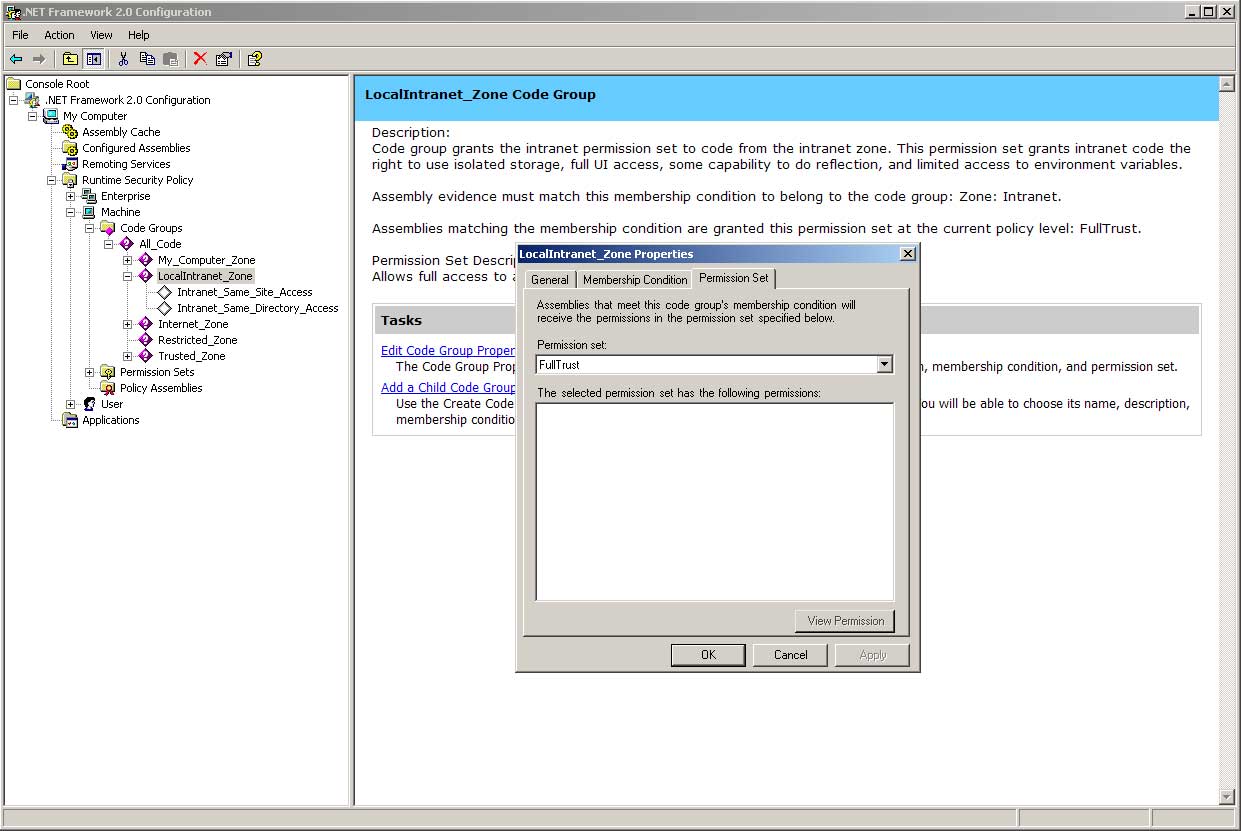
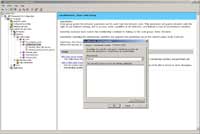
- Here's where you'll need to drill down through several sections to get to what needs to be changed.
- Open My Computer.
- Open Runtime Security Policy.
- Open Machine.
- Open Code Groups.
- Open All_Code.
- Right-Click on LocalIntranet_Zone.
- Select Properties.
- Open the tab "Permission Set".
- Set the drop-down "Permission set:" to "FullTrust".
|